


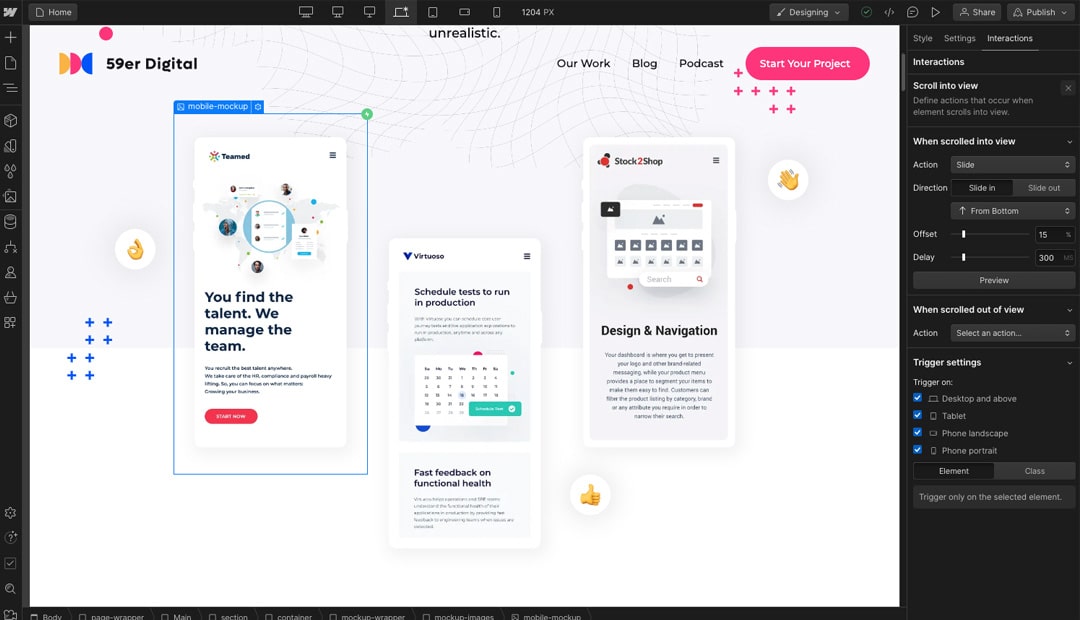
Animations Made Effortless
Webflow's animation capabilities are nothing short of remarkable. One of our top favourite features is the ease with which you can create animations within the platform. The intuitive interface ensures that you can produce stunning, dynamic website elements even if you're not an animation expert. Once you grasp the basics, you might rely less on third-party libraries, saving time and streamlining your design process.
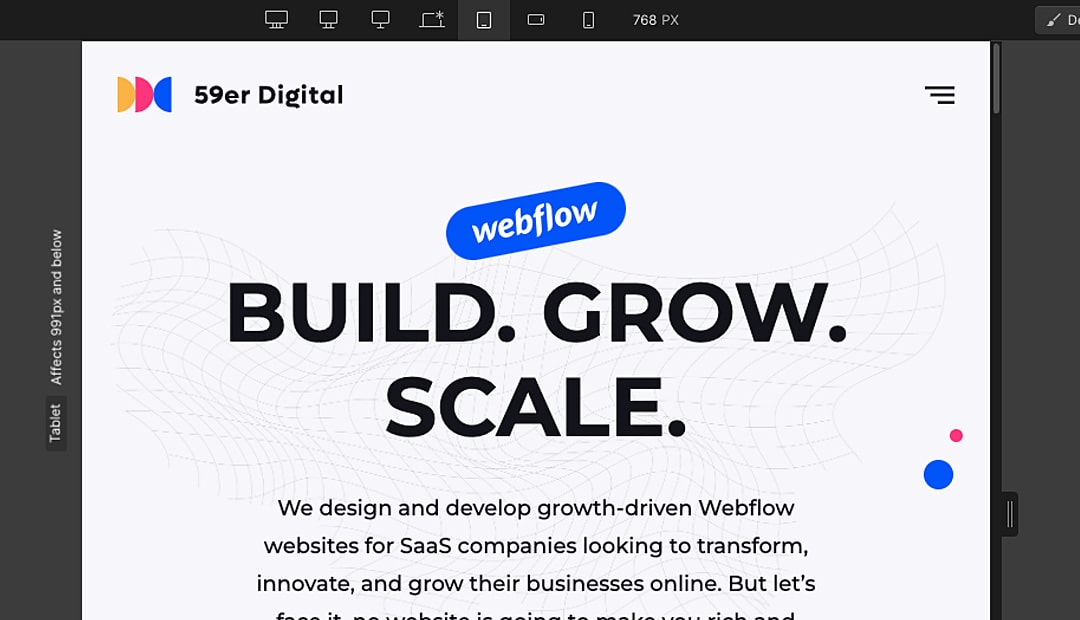
Real-Time Breakpoint Visualisation
In the world of web development, responsiveness is key. Webflow excels in this aspect by allowing users to view multiple breakpoints and observe how various elements affect a project in real time. This is a game-changer compared to the alternative of implementing changes, publishing, and then checking your browser to see the results. With Webflow, instantly visualising design changes as you work in the designer interface is incredibly convenient and time-saving.
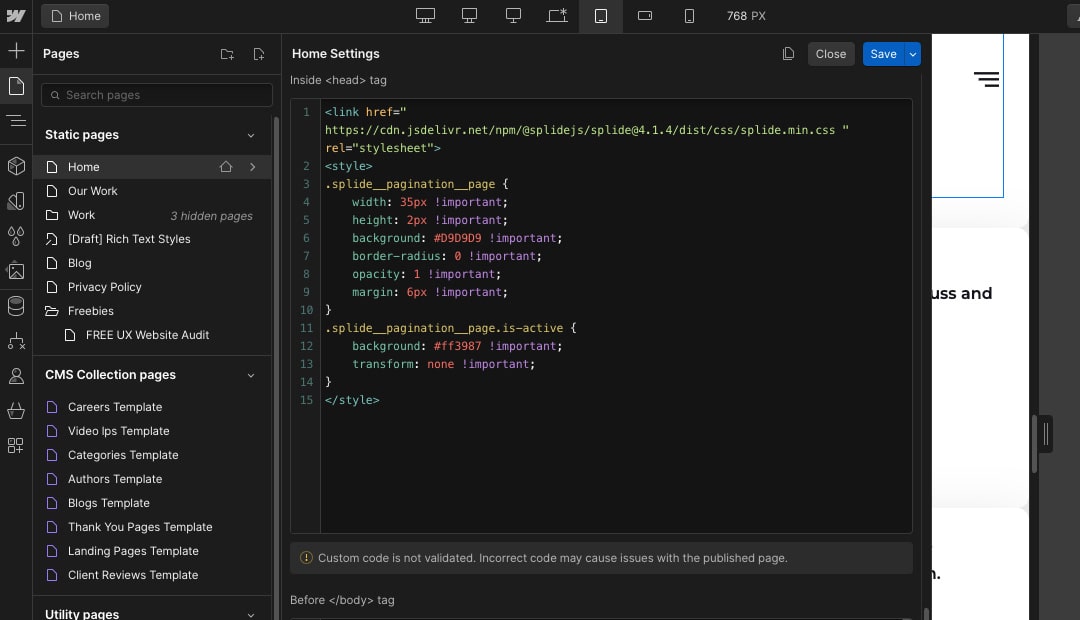
User-Friendly Code Editor
While Webflow is renowned for its no-code approach, it also caters to those who want to dive into the code. What sets it apart from other low-code tools is its user-friendly code editor. Adding custom scripts for specific functions within your project becomes a breeze. Even if you're not a coding expert, Webflow offers ample online resources to assist developers of all proficiency levels. This flexibility empowers you to customise your project precisely to your needs.
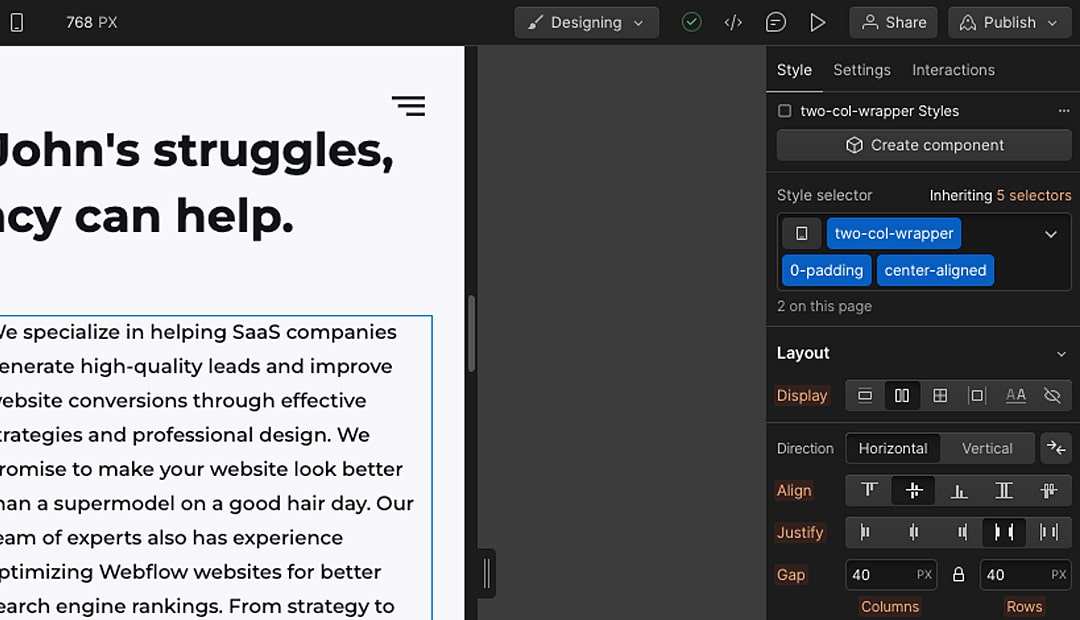
The Power of Flexbox
Flexbox is a web layout model that simplifies the alignment and distribution of elements on a web page. It's one of our favourite features in Webflow because of its incredible versatility and ease of use. With Flexbox, you can achieve complex layouts without wrestling with convoluted CSS. This feature streamlines the design process and ensures your web projects look and feel polished.
CMS Simplicity
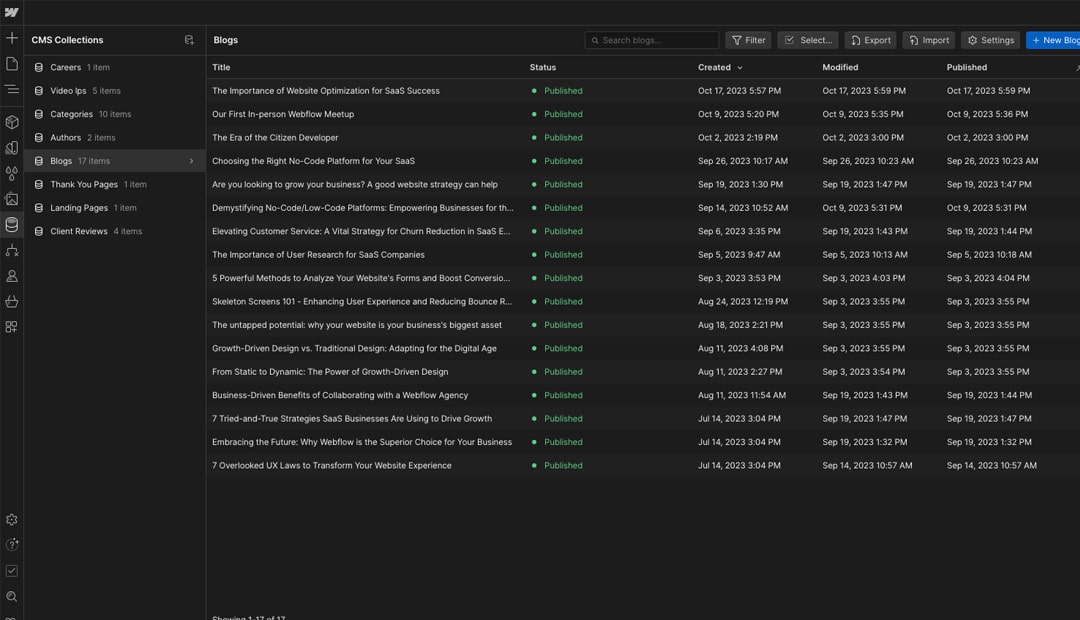
Managing content is a breeze with Webflow's Content Management System (CMS). Creating CMS collections and integrating them into your web pages is straightforward. This time-saver feature allows you to organise and update content across your site effortlessly. Whether you're building a blog, an e-commerce platform, or any content-heavy website, the CMS in Webflow is a robust solution.
Symbols and Components for Efficiency
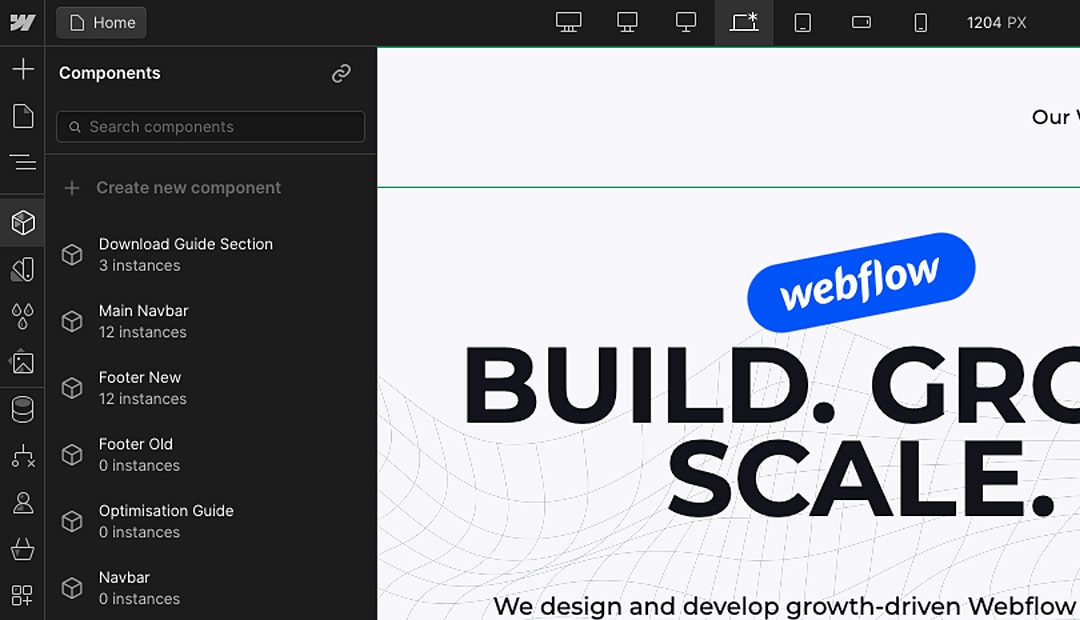
Symbols and components are a godsend for efficiency-minded designers and developers. These features enable you to create a component once and reuse it throughout your project without worrying about updating elements on various pages. This saves time and ensures consistency and coherence in your design. It's a powerful tool for maintaining a unified and professional look across your website.
Conclusion
In conclusion, Webflow has been a driving force behind our success at 59er Digital. The six features we've highlighted—animations, real-time breakpoint visualization, the user-friendly code editor, Flexbox, the CMS, and symbols/components—have all contributed significantly to our productivity and the quality of our web projects. Webflow's commitment to providing a user-friendly, feature-rich platform has made it an invaluable tool in our web development toolkit. If you haven't already explored these features in Webflow, we strongly encourage you to do so, as they have the potential to elevate your web design and development game to new heights. Happy designing!
Stay in the Loop
Subscribe to Our Newsletter Today!
Get the latest updates, exclusive content, and exciting news delivered right to your inbox. Don’t miss out on any important updates – subscribe to our newsletter now!
